

Description
Download Cute Pink Keyboard – Cute Pink Keyboard, Android Themes, Customize Your Mobile
Overview
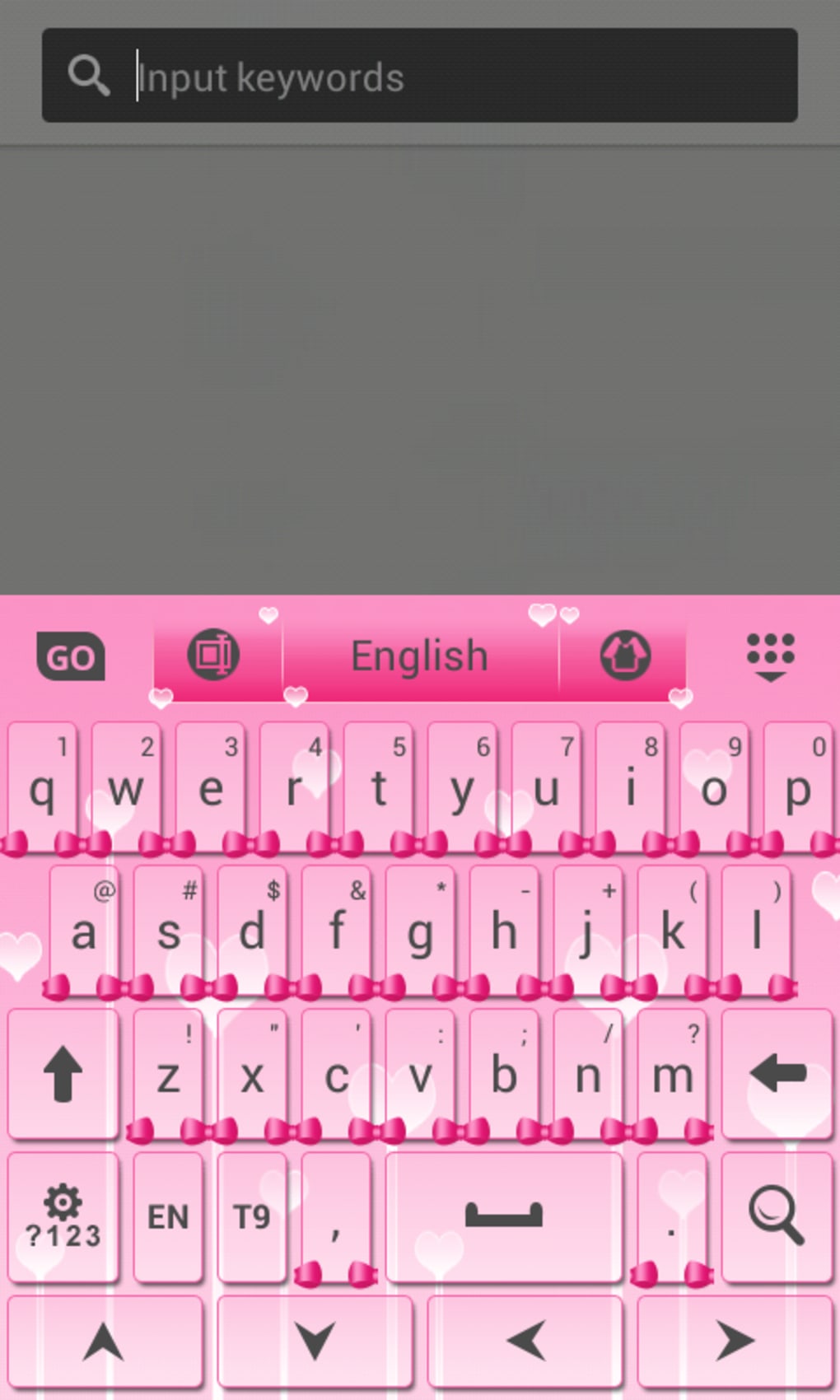
Cute Pink Keyboard is a mobile-themed keyboard application designed to enhance the visual experience of Android users who appreciate personalized and aesthetically pleasing interfaces. Developed by T-Me Studio, the app falls within the Customize Your Mobile category, specifically under Themes, offering a vibrant pink-themed keyboard layout. Its primary purpose is to allow users to express individuality through a visually appealing keyboard interface, making typing more enjoyable for those who favor soft, pastel color schemes.
The software is tailored for casual users and mobile enthusiasts who value customization, particularly those interested in personalizing their device’s appearance without altering core functionality. It is ideal for users who enjoy playful, feminine design elements and want a keyboard that reflects their style. The app is available in multiple languages, including English, Spanish, and German, making it accessible to a broader international audience.
Although the developer did not provide detailed usage scenarios, typical applications include daily messaging, social media interaction, and general mobile navigation where visual appeal is a priority. The app’s lightweight nature and availability on Android 1.5 and higher suggest broad compatibility with older and newer devices alike.
Key Features & Capabilities
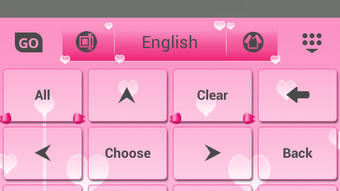
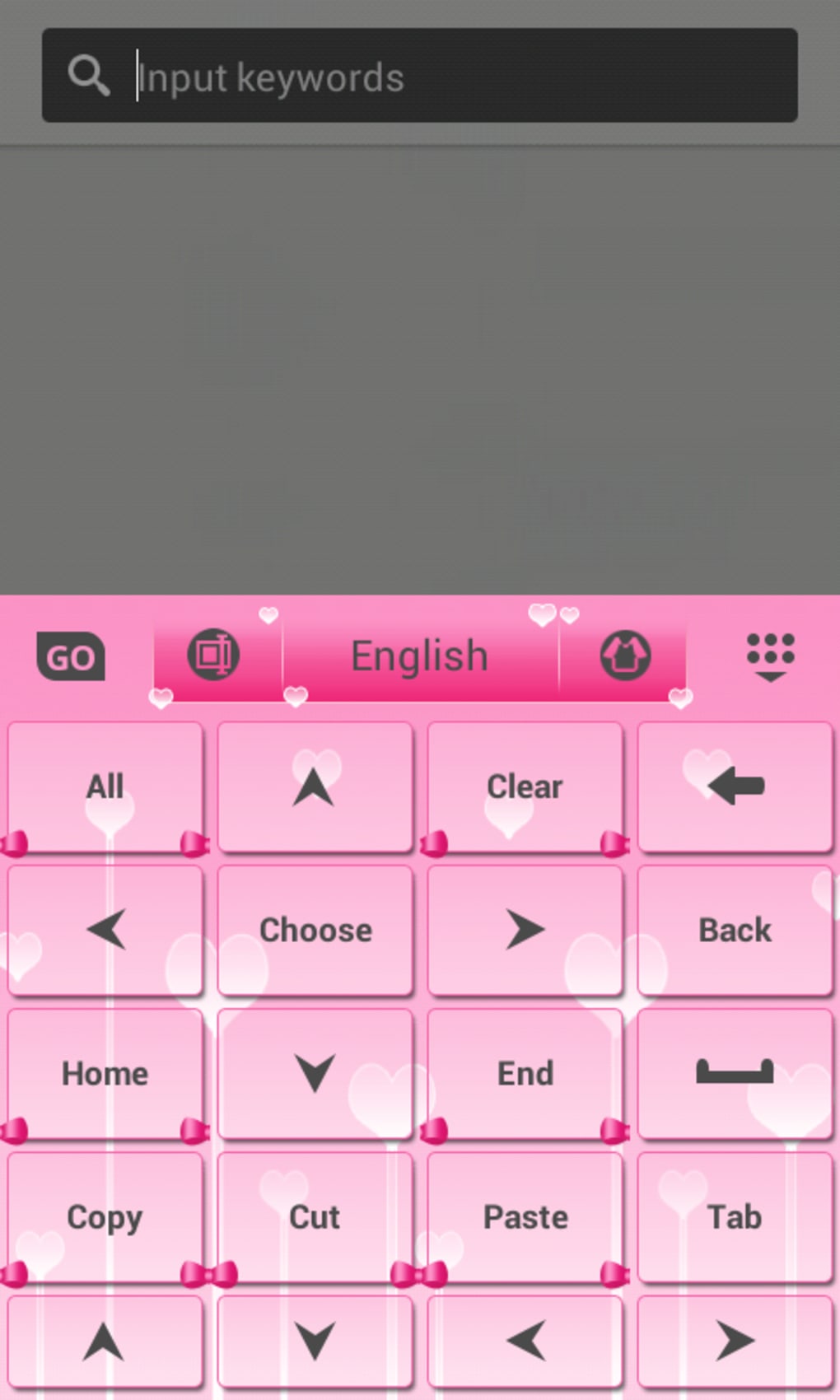
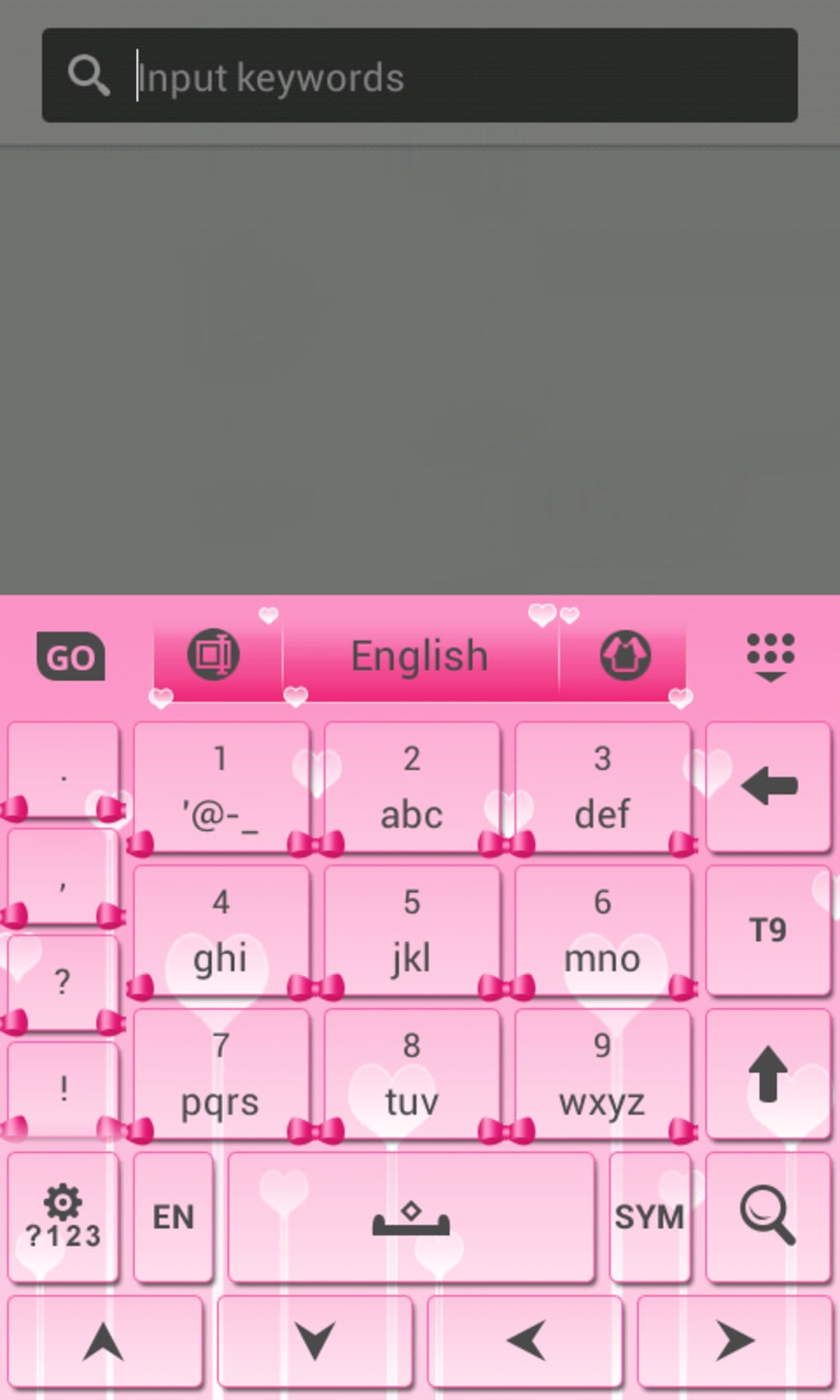
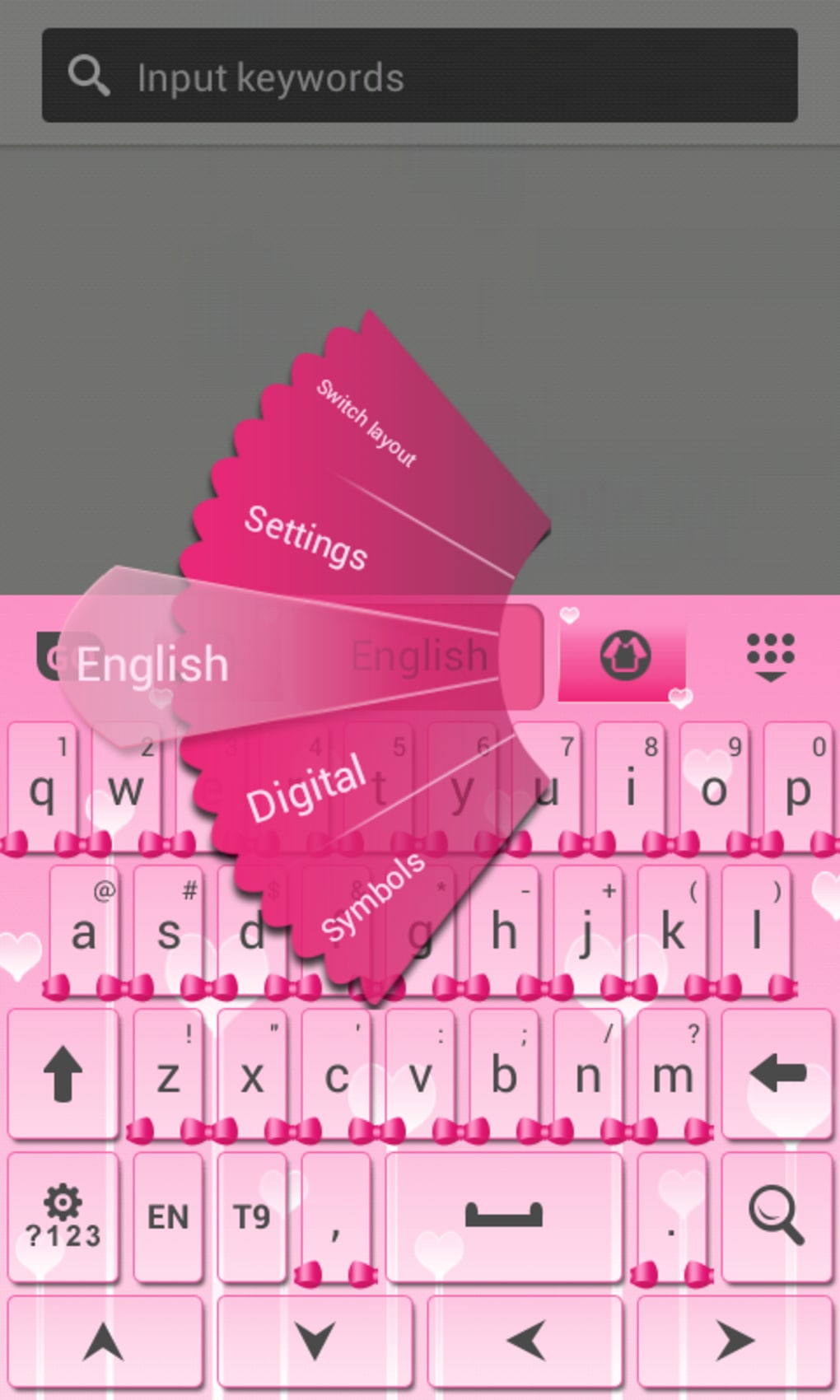
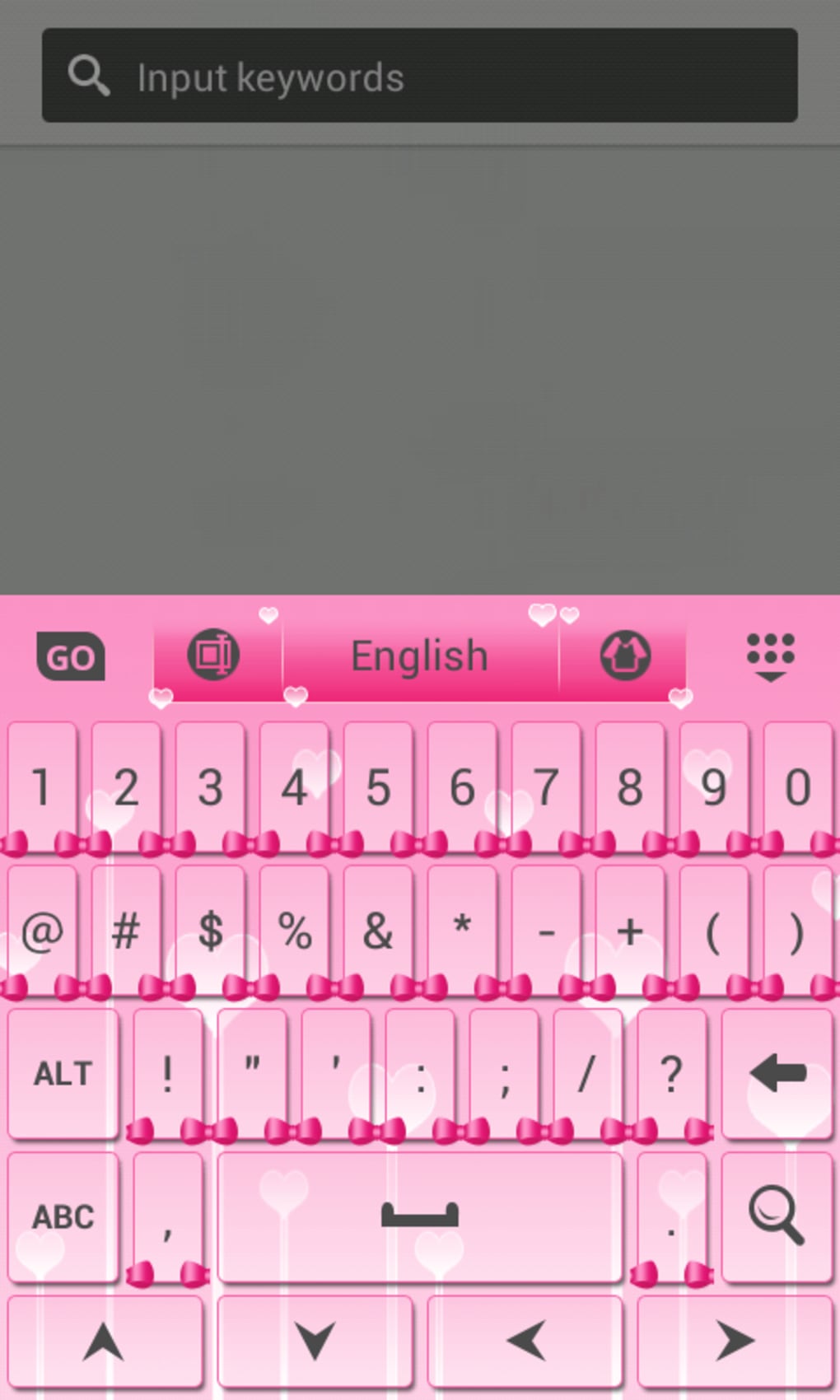
- Pink-Themed Keyboard Design – The app features a soft, pastel pink color scheme across the keyboard interface, including key backgrounds, borders, and accent elements, creating a cohesive and visually pleasing aesthetic.
- Language Support – Available in English, Spanish, and German, allowing users from different regions to access the interface in their preferred language.
- Compatibility with Android 1.5+ – Designed to function on a wide range of Android devices, including older models, ensuring accessibility for users with legacy hardware.
- Free with Ads – The app is available at no cost, supported by in-app advertisements, offering a low barrier to entry for users seeking a quick visual upgrade.
- Ad-Free Upgrade Option – Users can opt to remove ads through an in-app purchase, providing a cleaner and more immersive typing experience.
These features cater to users who prioritize visual customization over advanced typing functionality. The pink theme can be particularly appealing in social and personal communication contexts, where users want their device to reflect their personality. The language support enhances usability for non-English speakers, while the broad Android compatibility ensures the app can be used across various devices.
User Interface, Workflow & Performance
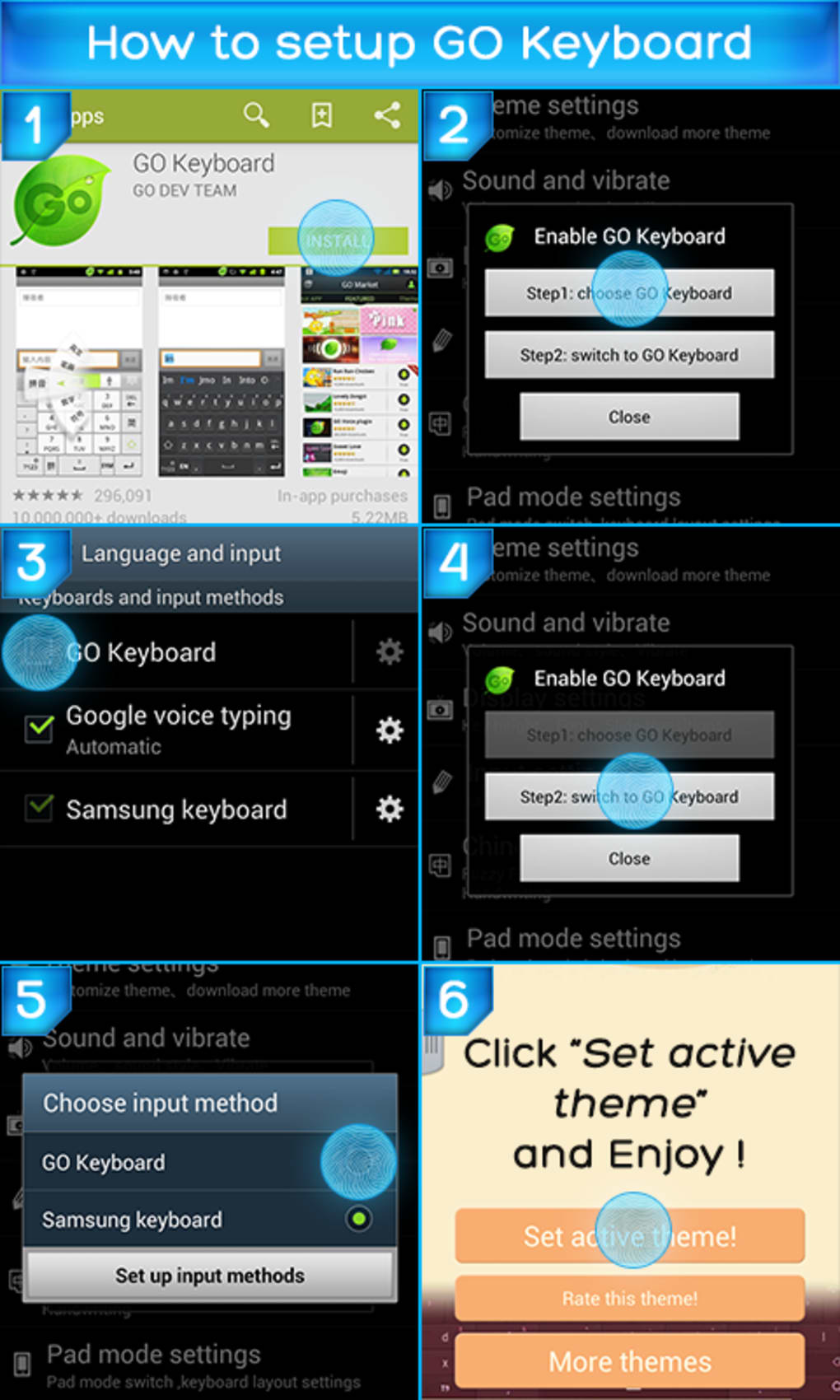
The user interface of Cute Pink Keyboard is centered around visual appeal, with a clean layout that emphasizes the pink color theme. Navigation is straightforward, as the app functions as a standard keyboard replacement, integrating directly into the Android input system. Users can switch to the keyboard through the device’s language and input settings, a process typical for Android keyboard apps.
Workflow efficiency is consistent with other lightweight keyboard themes—there is no complex setup or configuration required. The app does not introduce additional typing tools or predictive text features, focusing solely on appearance. This minimalistic approach ensures quick adoption and low learning curve, ideal for users who want a simple aesthetic change.
Performance observations are based on general software behavior patterns. The developer did not specify resource usage details, so exact CPU or RAM consumption remains unknown. However, given its role as a visual theme and the absence of heavy processing tasks, it is expected to operate with minimal impact on device performance. Stability is presumed to be reliable, as the app has maintained a consistent rating and has been in circulation since 2014.
Compatibility & System Requirements
Cute Pink Keyboard is designed for Android operating systems, supporting devices running Android 1.5 and higher. This wide compatibility range allows the app to function on both legacy and modern Android devices, though specific hardware requirements were not listed. The installation size varies depending on the device type, indicating potential differences in file structure or asset delivery across platforms.
Exact system requirements were not listed by the developer. The app is available in English, Spanish, and German, suggesting support for international users. No additional dependencies or third-party libraries were mentioned. Users are advised to ensure their device meets the minimum Android version requirement before attempting installation.
Pros and Cons
Pros
- Visually appealing pink-themed keyboard design
- Available in multiple languages (English, Spanish, German)
- Compatible with Android 1.5 and higher
- Free to download with optional ad removal
- Simple setup and intuitive interface
Cons
- No advanced typing features or predictive text
- Performance and resource usage details not provided
- Ads may disrupt user experience in free version
- Outdated update date (last updated December 31, 2014)
- Limited to Android platform only
FAQ Section
Is Cute Pink Keyboard available for iOS devices?
Currently, Cute Pink Keyboard is only available for Android devices. There is no official version for iOS.
Can I use Cute Pink Keyboard offline?
Yes, once installed, the app can be used offline without requiring an internet connection.
Is the app safe to download and install?
The app is available through trusted software selection platforms and has been in use since 2014. It does not require excessive permissions, but users should ensure they download from verified sources.
How do I remove ads from the app?
Users can upgrade to the ad-free version through an in-app purchase, which removes all advertisements.
Does the app support custom themes or additional colors?
The app currently offers only the pink theme. No options for custom themes or alternative color schemes were provided.
Final Thoughts + CTA
Cute Pink Keyboard delivers a simple yet effective solution for Android users seeking a visually engaging keyboard theme. While it lacks advanced functionality, its focus on aesthetics makes it a solid choice for those who prioritize style over utility. The app’s long-standing presence in the Android ecosystem and consistent user rating reflect its reliability and appeal to a niche audience.
Although the last update was in 2014, the app remains functional for users on older Android versions. However, potential users should consider that no recent updates may affect compatibility with newer Android releases. For casual users who enjoy a playful, pink-themed interface, Cute Pink Keyboard offers a low-cost, easy-to-use customization option.
Download Cute Pink Keyboard now
Guides & Tutorials for Cute Pink Keyboard
How to install Cute Pink Keyboard
- Click the Preview / Download button above.
- Once redirected, accept the terms and click Install.
- Wait for the Cute Pink Keyboard download to finish on your device.
How to use Cute Pink Keyboard
This software is primarily used for its core features described above. Open the app after installation to explore its capabilities.
User Reviews for Cute Pink Keyboard 0
No reviews found





